Monitor Arm M2 Pro: A Tidier Desk and Better Posture for Two Screens
The M2 Pro is a dual-monitor arm with a gas-spring mechanism and a desk clamp. It is built for anyone who works across two screens and wants a clearer desk and a more comfortable viewing position.
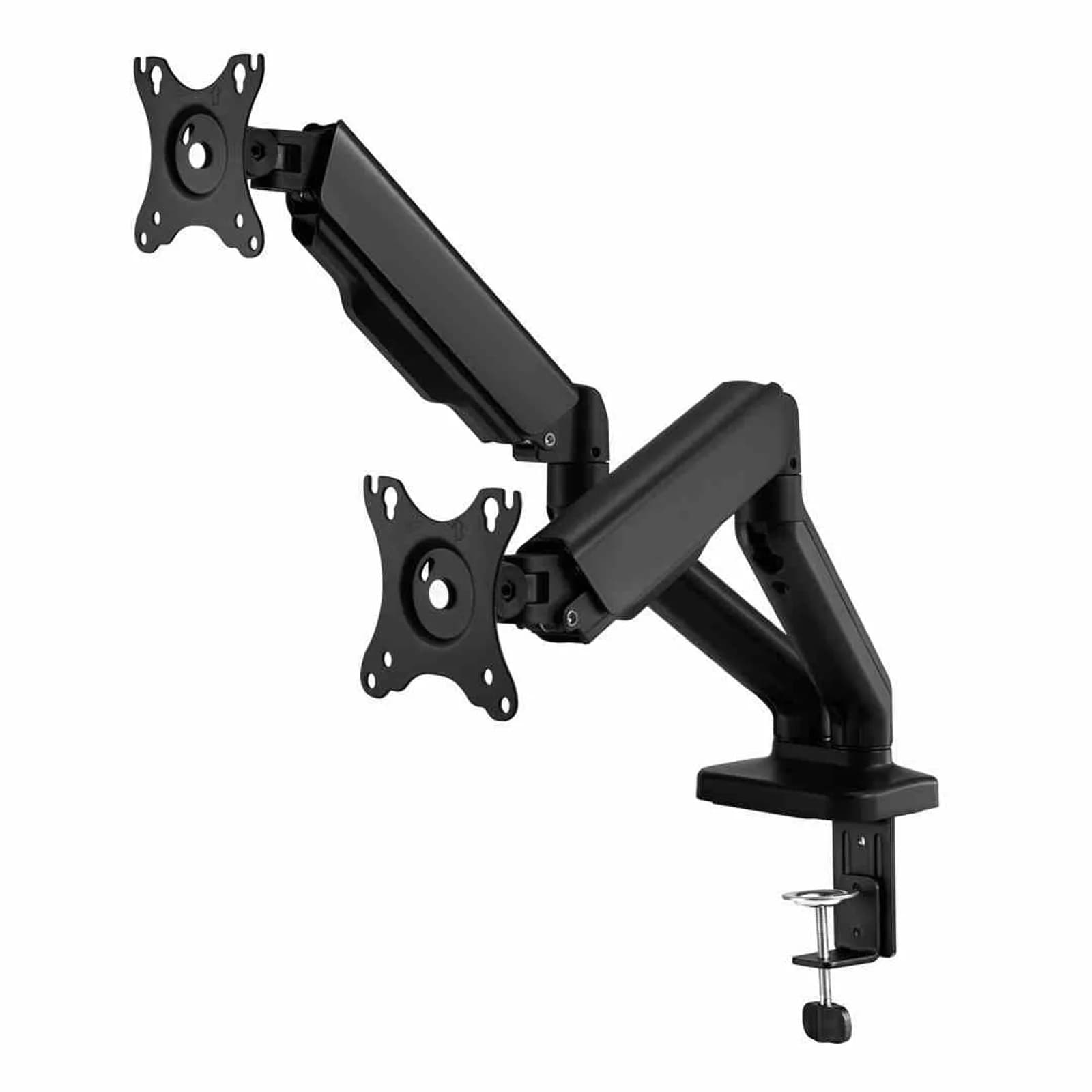
The Monitor Arm M2 Pro is a mounting solution for a workspace built around two screens. Instead of the stock stands that eat up a large part of your desk, the arm lifts both monitors into the air and lets you move them into the most comfortable position. It is one of those small changes that makes a full day at the computer noticeably more pleasant.
Who the M2 Pro is for
The arm suits anyone working with two monitors: developers, designers, finance and trading professionals, customer support, and remote workers. If one screen handles your main task while the second is for chat, documentation, or monitoring, the M2 Pro helps you line both up so your eyes move between them naturally, without constantly turning your head.
Key features
- Two monitors on one mount – designed for screens up to 32" on each side, so it fits typical dual-screen setups.
- Up to 9 kg of load per arm – each arm independently holds a monitor weighing up to 9 kg, giving you room to choose based on your hardware.
- Gas-spring mechanism – raise, lower, and tilt each screen with a single movement, and the position you set stays put.
- Desk clamp mounting – it attaches to the edge of your desk with a clamp, so there is no need to drill into the tabletop.
Ergonomics in everyday use
Much of the strain people feel at a computer comes from screens placed too low, forcing the neck to bend downward. The gas-spring mechanism lets you raise both monitors to eye level so your head and neck stay in a natural position. When your work changes, you can reposition the screens in seconds, which is especially handy if more than one person shares the desk or if you alternate between sitting and standing during the day.
More room on the desk
Because the M2 Pro clamps to the edge of the desk, the monitor feet no longer take up surface space. That frees room for your keyboard, notes, or a cup of coffee, and it is easier to route cables and keep things tidy under the screens. The clamp mount means no drilling into the tabletop, so you can install the arm now and move it later without leaving marks.
Typical use cases
- A home workspace where two screens need to fit on a compact desk.
- An office setup where consistent, tidy screen placement matters.
- Work that frequently changes screen height or angle, for example when switching between sitting and standing.
If you want to clear your desk surface and arrange two monitors more comfortably, the M2 Pro arm is a simple, practical choice. Take a look at the product page to check whether it fits your screens.